Nemesis Academy · 4 Eylül 14:00
Merge · 13 Eylül
7. Nemesis Academy Sunucusu 4 Eylül Cuma 21:00'de Açılıyor!!
Hail Knight!
Welcome to the KO4FUN Project KOBA forum. If you are reading this, you are not yet registered. Click here to access the forum's advanced features and register. The registration process is very simple. You can connect with your Discord account with one click. Enjoy the forum after registration is complete.
Featured Content
-
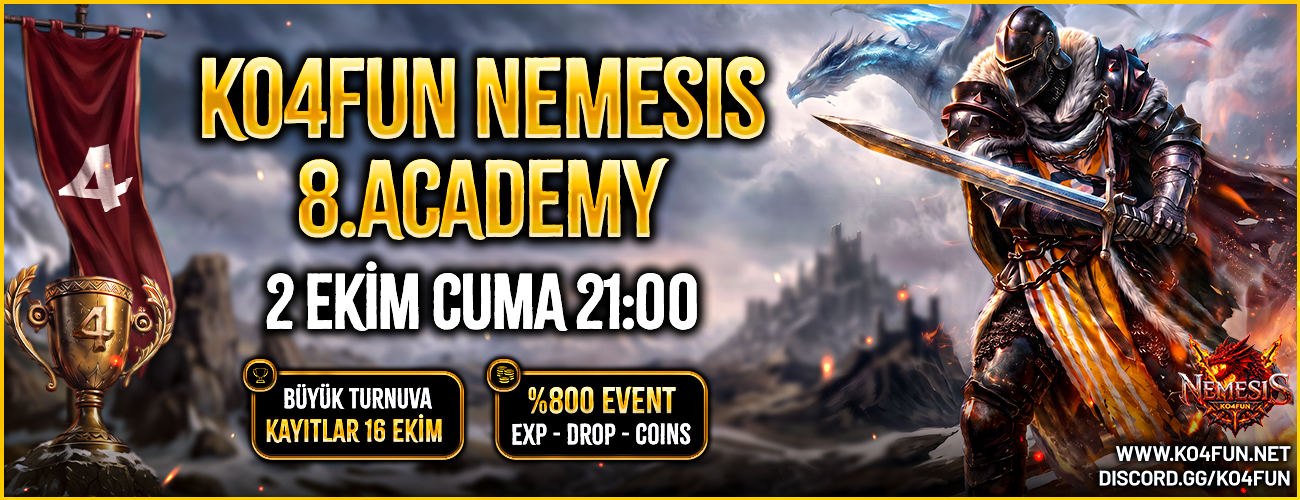
8. Nemesis Academy 2 Ekim Cuma 21:00'de Açılıyor!!
🏆 NEMESIS ACADEMY DUYURU 🏆
KnockOut4Fun - 8.Nemesis Academy 2 Ekim Cuma 21:00 'de Açılıyor!!
10 gün sürecek olan bu macerada sende yerini al
-
- 0 replies
Featured by GmMiracle -
-
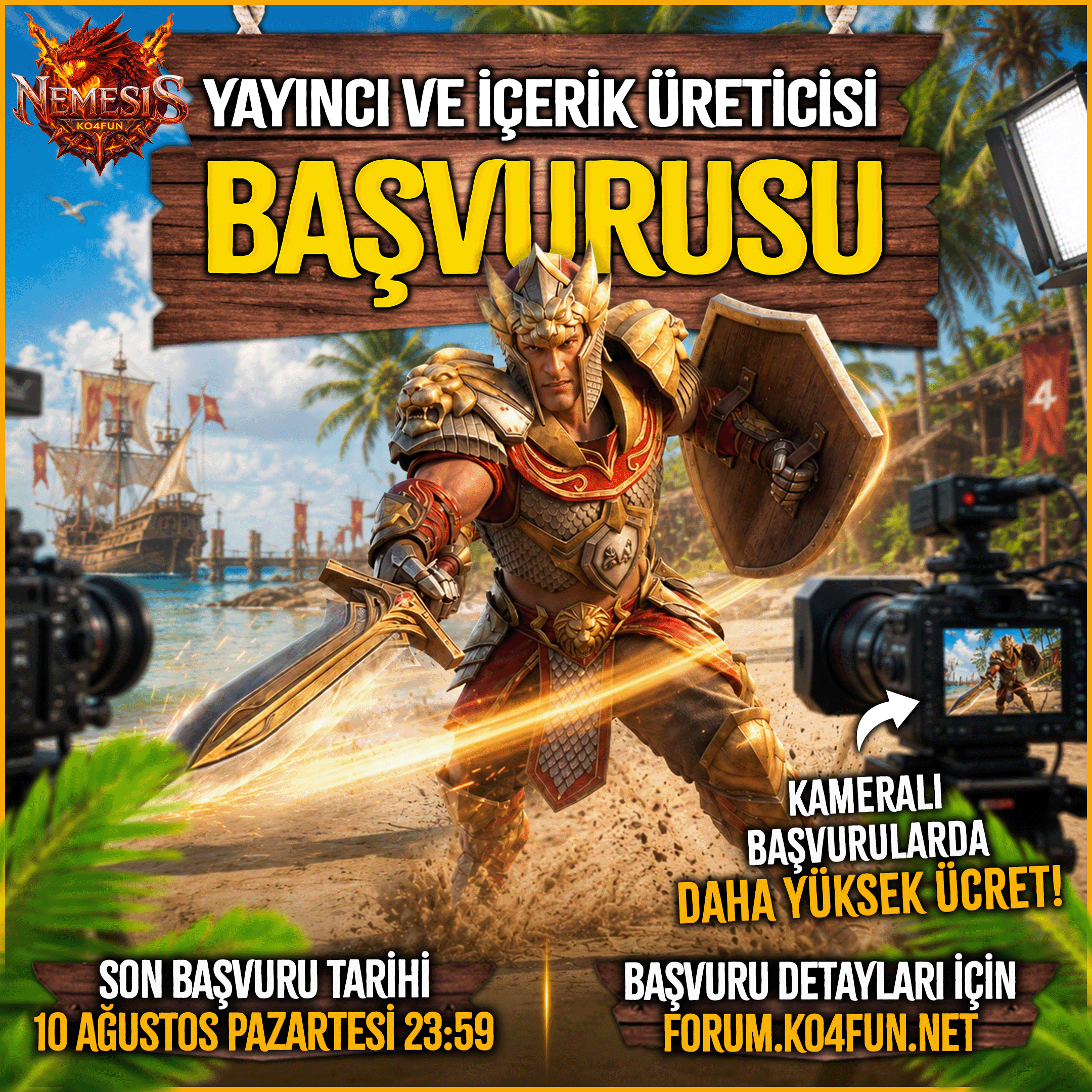
Sponsor Yayıncı ve İçerik Üreticisi Başvuru Detayları
Sınırlı sayıda yayıncı ve içerik üretici alınacaktır.
Son başvuru tarihine kadar başvurularınızı iletmeyi unutmayın lütfen.-
- 3 replies
Featured by GmMiracle -